nuxt task
List and run Nitro tasks on your dev server.
The task command talks to the Nitro tasks your project exposes, using the nuxt dev server running for it. Pass --url to target another server.
nuxt task list
Terminal
npx nuxt task list [ROOTDIR] [--cwd=<directory>] [--url=<url>] [--json]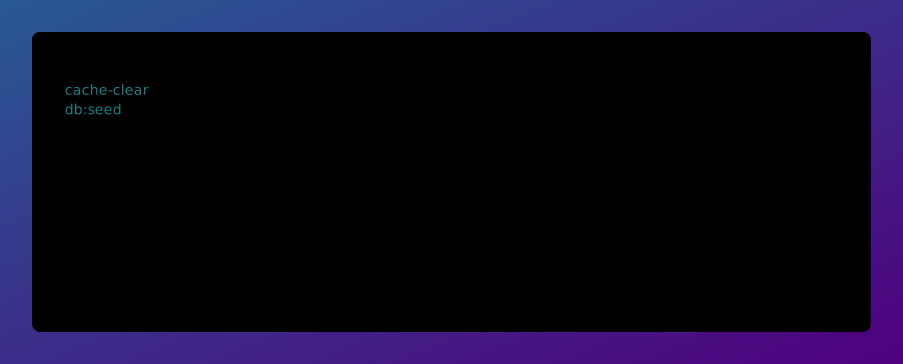
Arguments
| Argument | Description |
|---|---|
ROOTDIR | The root directory of your Nuxt project (default: .) |
Options
| Option | Default | Description |
|---|---|---|
--cwd=<directory> | Specify the root directory of your Nuxt project | |
--url=<url> | URL of the Nuxt server to talk to (default: the running dev server) | |
--json | Print output as JSON | |
nuxt task run
Terminal
npx nuxt task run <NAME> [ROOTDIR] [--cwd=<directory>] [--url=<url>] [--payload=<json>]Arguments
| Argument | Description |
|---|---|
NAME=<name> | Name of the task to run |
ROOTDIR | The root directory of your Nuxt project (default: .) |
Options
| Option | Default | Description |
|---|---|---|
--cwd=<directory> | Specify the root directory of your Nuxt project | |
--url=<url> | URL of the Nuxt server to talk to (default: the running dev server) | |
--payload=<json> | Task payload, either as a JSON object or as --payload.key=value pairs | |
The task's result is printed as JSON. A payload can be given as a single JSON object or built up from individual keys:
Terminal
npx nuxt task run db:seed --payload '{"count":10}'
npx nuxt task run db:seed --payload.count=10
Nitro only scans your tasks directory when tasks are enabled, so a server with none exposed may just need this:
nuxt.config.ts
export default defineNuxtConfig({
  nitro: {
    experimental: {
      tasks: true,
    },
  },
})