nuxt curl
The curl command sends an HTTP request to your running Nuxt dev server.
Terminal
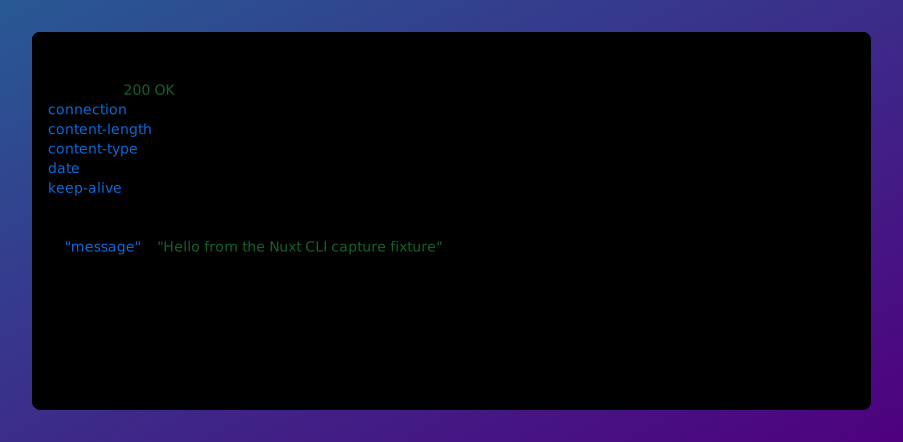
npx nuxt curl <URL> [ROOTDIR] [--cwd=<directory>] [-X, --method=<method>] [-H, --header=<header>...] [-d, --data=<data>] [-i, --include] [-I, --head] [-v, --verbose] [--pretty]The curl command sends an HTTP request to the nuxt dev server running for your project and prints the response. A path is resolved against that server, so you do not need to know which port it ended up on.
Arguments
| Argument | Description |
|---|---|
URL=<url|path> | Absolute URL, or a path resolved against the running dev server |
ROOTDIR | The root directory of your Nuxt project (default: .) |
Options
| Option | Default | Description |
|---|---|---|
--cwd=<directory> | Specify the root directory of your Nuxt project | |
-X, --method=<method> | HTTP method (default: GET, or POST when a body is provided) | |
-H, --header=<header>... | Request header in Name: Value form. Can be repeated. | |
-d, --data=<data> | Request body. Use @- to read stdin and @<file> to read a file. | |
-i, --include | Include the response status line and headers in the output | |
-I, --head | Send a HEAD request and show only the response headers | |
-v, --verbose | Print request and response headers to stderr | |
--pretty | Reindent and syntax-highlight output (default: on for a terminal, off when piped). Use --pretty/--no-pretty to force reindenting. | |
The dev server is found through the nuxt.lock file it writes into your build directory, so the command only works while nuxt dev is running for that project. Pass an absolute URL to talk to any other server.
Examples:
Terminal
# Request a path on the running dev server
npx nuxt curl /api/hello

# Include the status line and response headers
npx nuxt curl /api/hello -i

# Send JSON
npx nuxt curl /api/todos -X POST -H "Content-Type: application/json" -d '{"title":"Buy milk"}'

# Read the body from a file, or from stdin with `@-`
npx nuxt curl /api/todos -d @todo.json
JSON, HTML, XML and other textual responses are reindented and syntax-highlighted when the output is a terminal, and passed through byte for byte when it is piped. Use --no-pretty to opt out, or --pretty to force it on when piping.
The command exits with
22 when the server answers with an HTTP error status, matching curl --fail.